
Unified Guest Inbox

Every guest conversation, with the stay attached.

Bring guest conversations, email journeys and internal team communication together without mixing staff messages into guest threads.
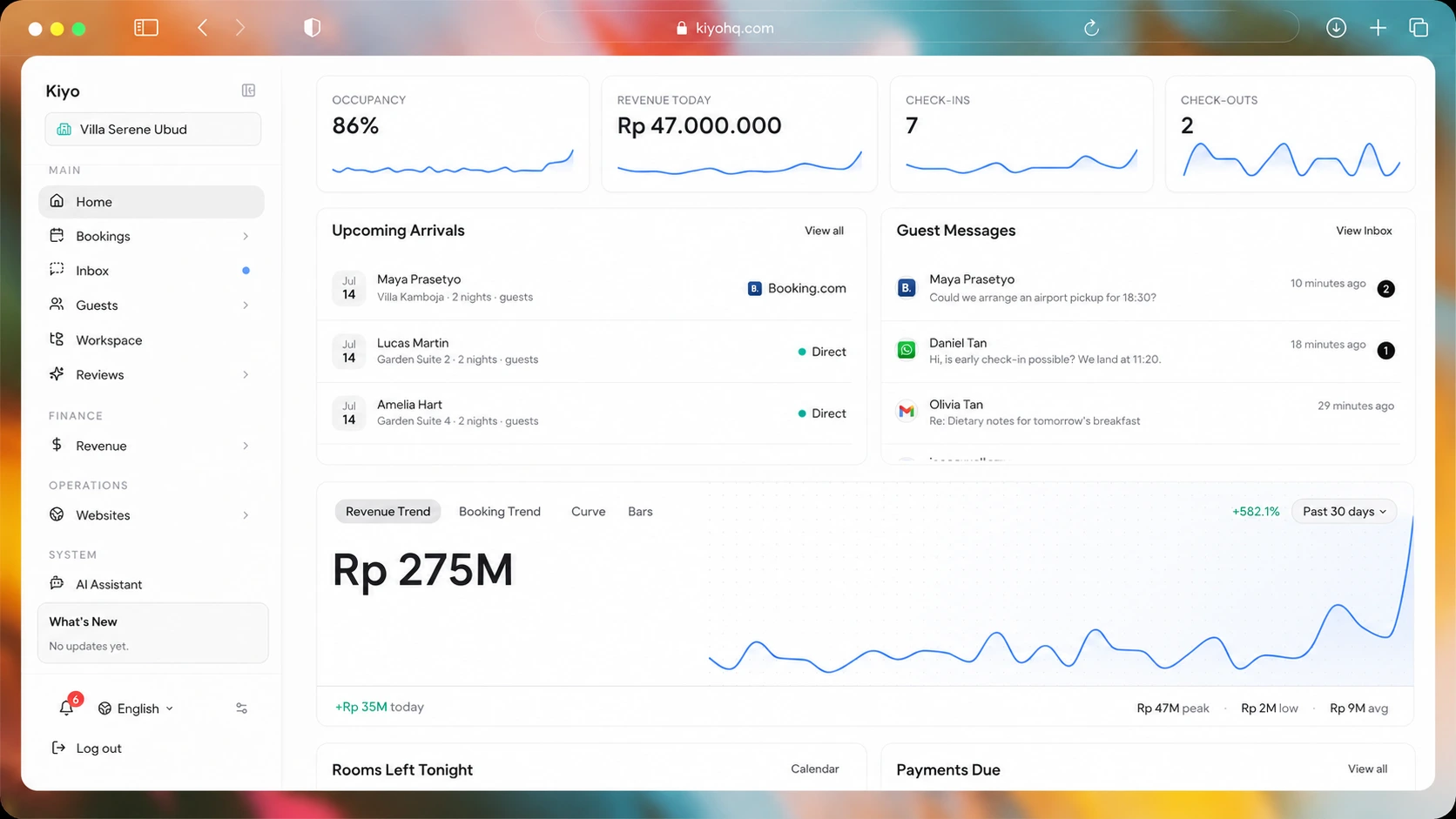
Kiyo property dashboard with bookings, guest messages and revenue context
Independent hospitality operator using the Kiyo Unified Guest Inbox
Guest context

Know who is asking before you answer.

Explore guest inbox
Kiyo brings the guest conversation and reservation together. Your team sees the stay details, contact history and next action without searching through another system.
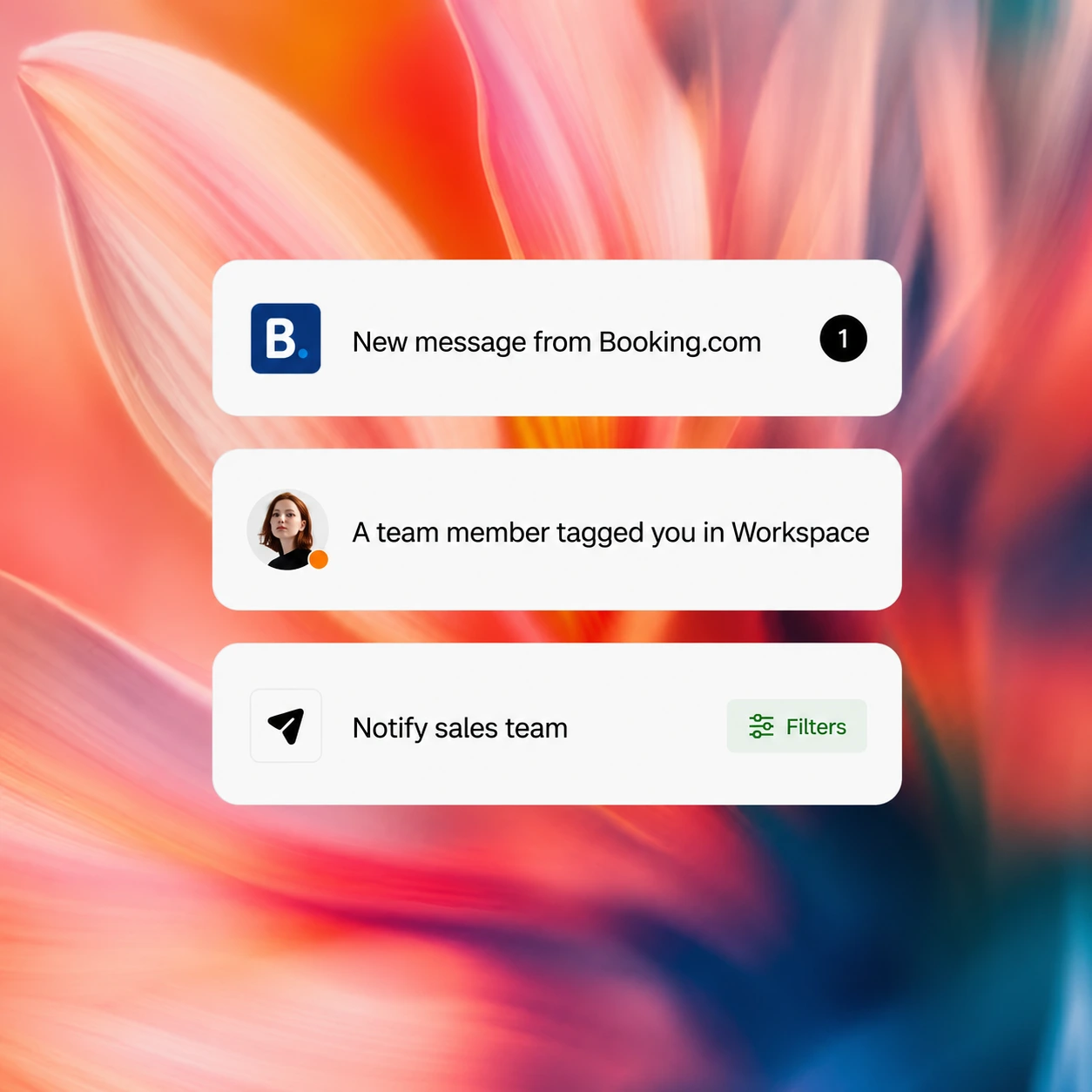
Guest conversations continuing across connected messaging channels
Guest channels

Reply where the conversation already started.

Reply to supported OTA conversations inside Kiyo and connect WhatsApp Business for direct guest messages. The conversation stays close to the guest and booking, while the channel status below shows what works now, what needs setup and what remains on the roadmap.
Explore messaging channels
Booking.com, Airbnb and Expedia
Connected WhatsApp Business number
Clear connection status for each channel
Reservation context

See the reservation before you reply.

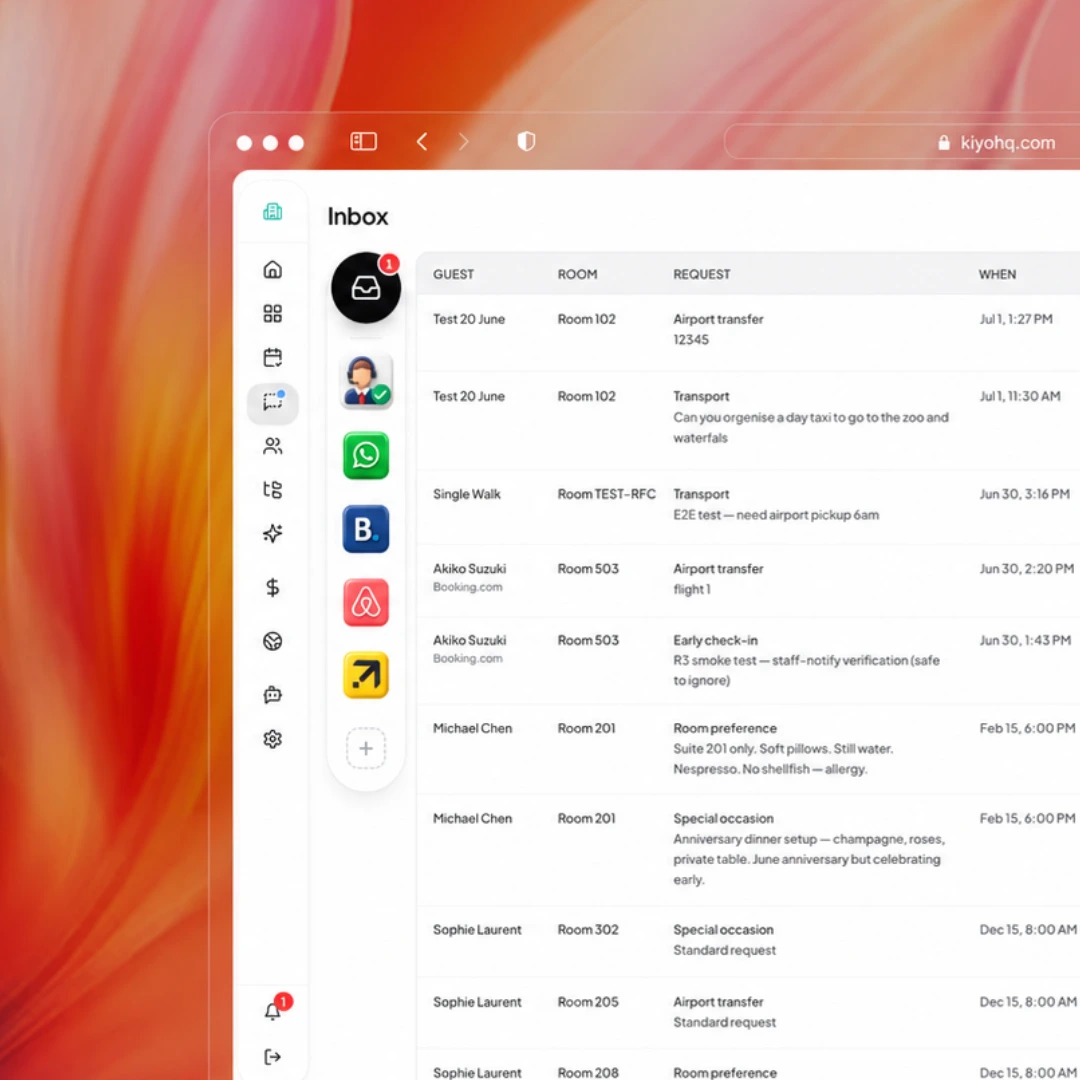
The guest, room, stay dates, booking status and recent history sit beside the conversation, so staff understand the request before they answer.
Explore guest inbox
Guest and reservation together
Stay dates, room and language
Recent conversations and booking value
Guest reservation context visible before a team member replies
Kiyo communication workspace for the property team
Team communication

Give your team its own communication space.

Use private notes and Kiyo Team Chat for staff communication, shift handovers and operational follow-up. Guest threads stay focused on the guest, while the hotel team gets its own place to coordinate the work.
Explore Team Chat
Native team channels and direct messages
Private notes and shift handovers
Work kept separate from guest replies
Email journeys

From confirmation to post-stay follow-up.

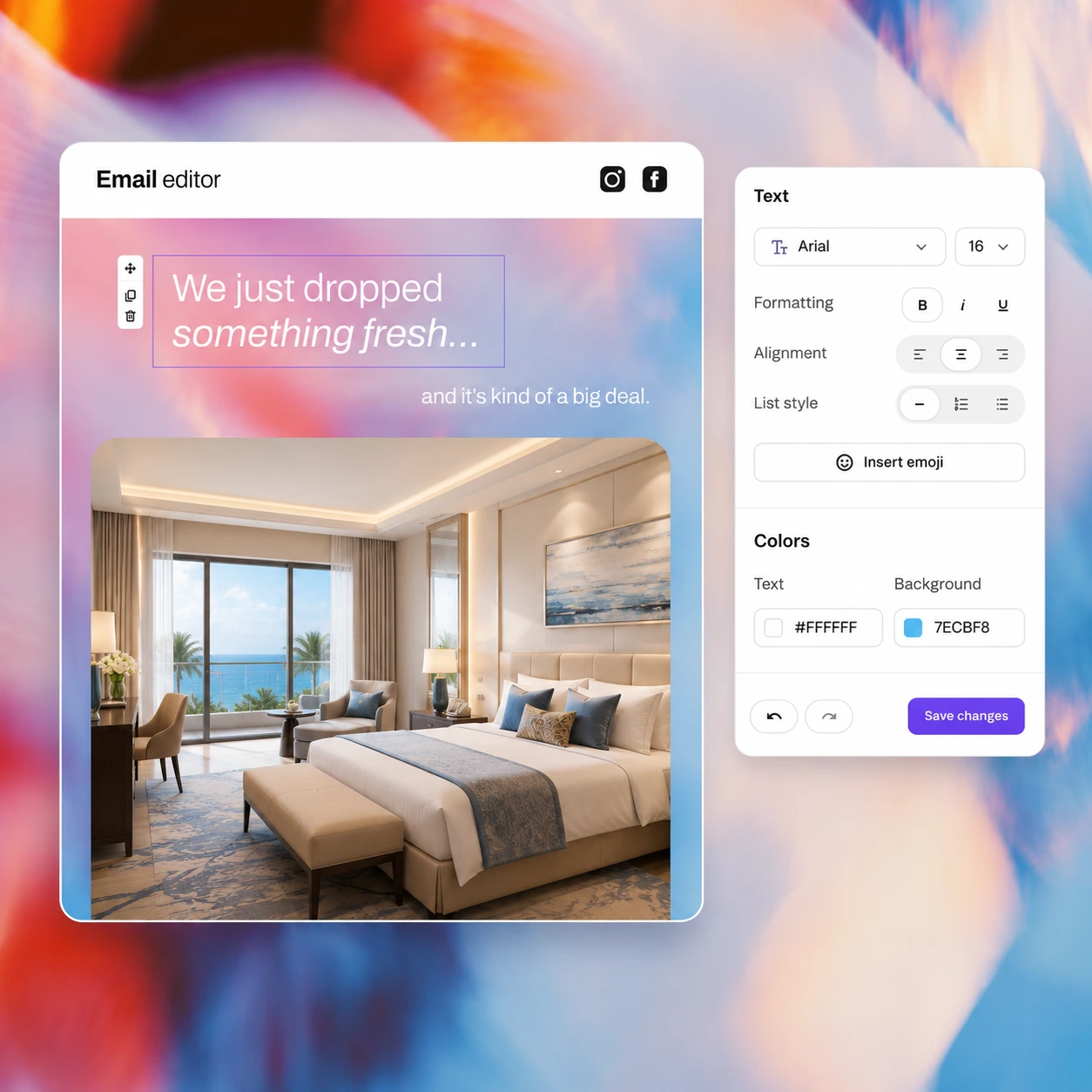
When a direct booking is confirmed, Kiyo can send the booking details and a My Page link. Add pre-arrival reminders and post-stay review requests to keep the guest informed before and after the stay.
Explore guest email
Configured confirmation and enabled portal link
Configured pre-arrival reminders
Enabled post-stay review requests
Guest communication from confirmation through post-stay follow-up
A clear communication model

Conversations, lifecycle email and staff coordination each have a job.

Kiyo connects communication around the same guest and stay without turning every message into the same kind of thread. The Inbox owns guest conversations; email journeys inform the guest; Team Chat stays private to staff.

01

Guest Inbox owns two-way conversations

Supported Booking.com, Airbnb and Expedia threads can be answered with booking context close by. A connected WhatsApp Business number supports direct guest conversations, while eligible Messenger and Instagram accounts and a property Telegram bot require their own channel setup.

  • OTA threads: Booking.com, Airbnb and Expedia
  • WhatsApp Business after connection
  • Messenger, Instagram and Telegram after eligible setup
02

The stay stays beside the message

The useful question is not only who sent the message, but which booking it belongs to. Kiyo keeps the room, dates, booking status, language and recent contact history close so the person replying can understand the request before typing.

  • Guest identity and contact history
  • Room, dates and reservation status
  • Recent thread and booking context
03

Email journeys are not chat channels

Confirmation, pre-arrival and post-stay emails are configured lifecycle communication. They belong to the guest journey and email editor, not the live guest-message queue. Connected Outlook email belongs in the Inbox, while Gmail, TikTok and Slack remain roadmap items.

  • Configured confirmation and portal link
  • Connected Outlook conversations in Inbox
  • Gmail, TikTok and Slack remain roadmap items
04

Team Chat stays private to the property

Staff channels, direct messages, group conversations and internal handovers must never appear as replies to a guest. Team Chat gives hotel teams their own coordination space, with Workspace used when a conversation needs a named owner and follow-up task.

  • Internal channels and direct messages
  • Private handovers separate from guest replies
  • Follow-up work moved into Workspace
05

Delivery rules follow the source channel

A reply can depend on account eligibility, connection health, provider approval, reply windows, templates and supported media. Kiyo should show the relevant channel state so the team understands why a message can be sent, requires another route or needs attention.

  • Channel-specific delivery state
  • Reply windows and templates where required
  • Failures and unsupported content stay visible
06

Guest Management owns the person over time

The Inbox answers the current conversation. Guest Management owns identity, contact history, preferences, consent and the relationship across stays. Reviews owns public feedback, while My Page owns the guest-facing stay view and self-service actions.

  • Inbox: conversation
  • Guest Management: identity and history
  • Reviews and My Page: feedback and self-service
Connected channels

One inbox today. More channels as Kiyo grows.

Use supported OTA replies today, connect the guest channels your property needs and keep Team Chat separate for staff. Gmail, TikTok and Slack remain clearly labelled as roadmap connections.
OTA replies
Booking.com, Airbnb and Expedia replies
Connect after setup
WhatsApp Business, Messenger, Instagram, guest-initiated Telegram and Outlook 365
Team communication
Kiyo Team Chat
One connected inbox
Gmail, TikTok and Slack remain clearly marked on the product roadmap

Give every guest a clear, connected reply.

Give the team the guest thread, email journey, reservation context and internal handover in one clear workspace.
See Kiyo in action