Features
See the numbers. Ask what comes next.
Follow property performance, ask questions using current data and keep the next decision close to the work.
Daily Briefing
Wake up to the metrics, operations and priorities that need attention.
Revenue Performance
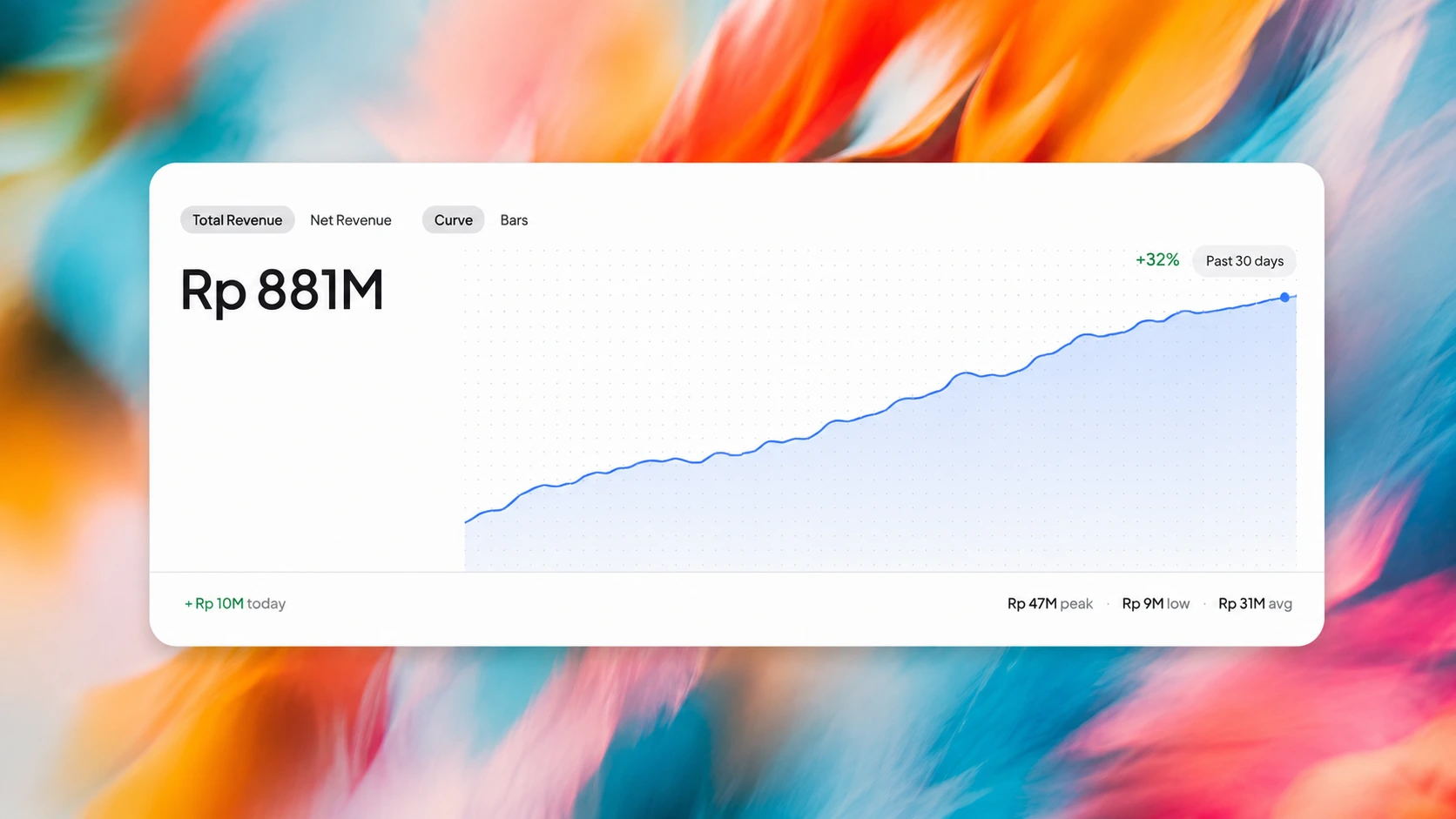
Follow revenue, occupancy, ADR, RevPAR and trends by date.
Kiyo AI & Workspace
Ask about current property data, then organize the work in Workspace.
Roles & Audit
Choose dashboard access by role and review recorded changes.
Start the day with the whole picture.
Receive a morning view of key metrics, operations and AI insights, with the day's priorities gathered before the first handover.
Revenue and occupancy at a glance
Arrivals, departures and open work
AI-generated summary and action items

Revenue you can trace
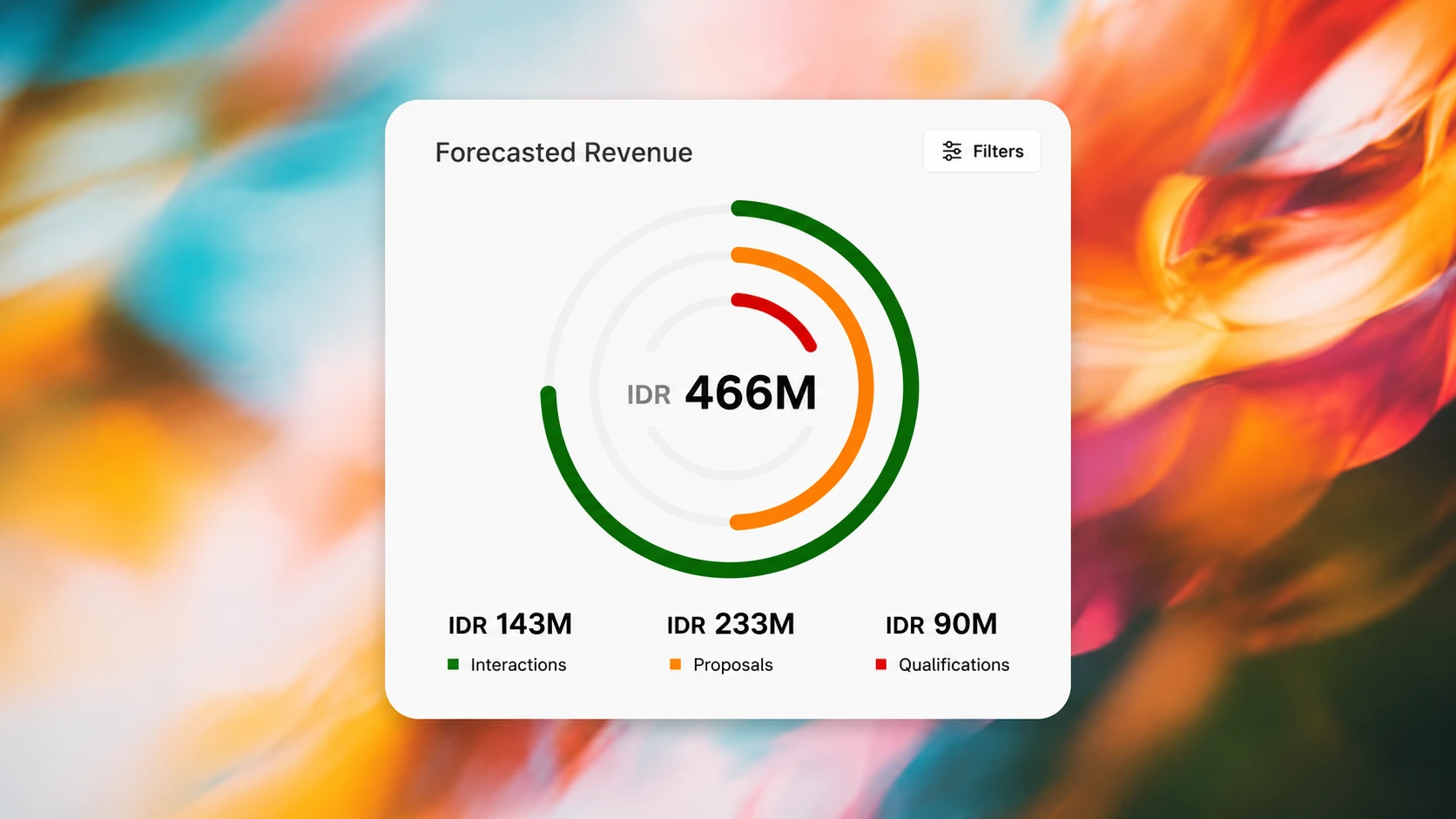
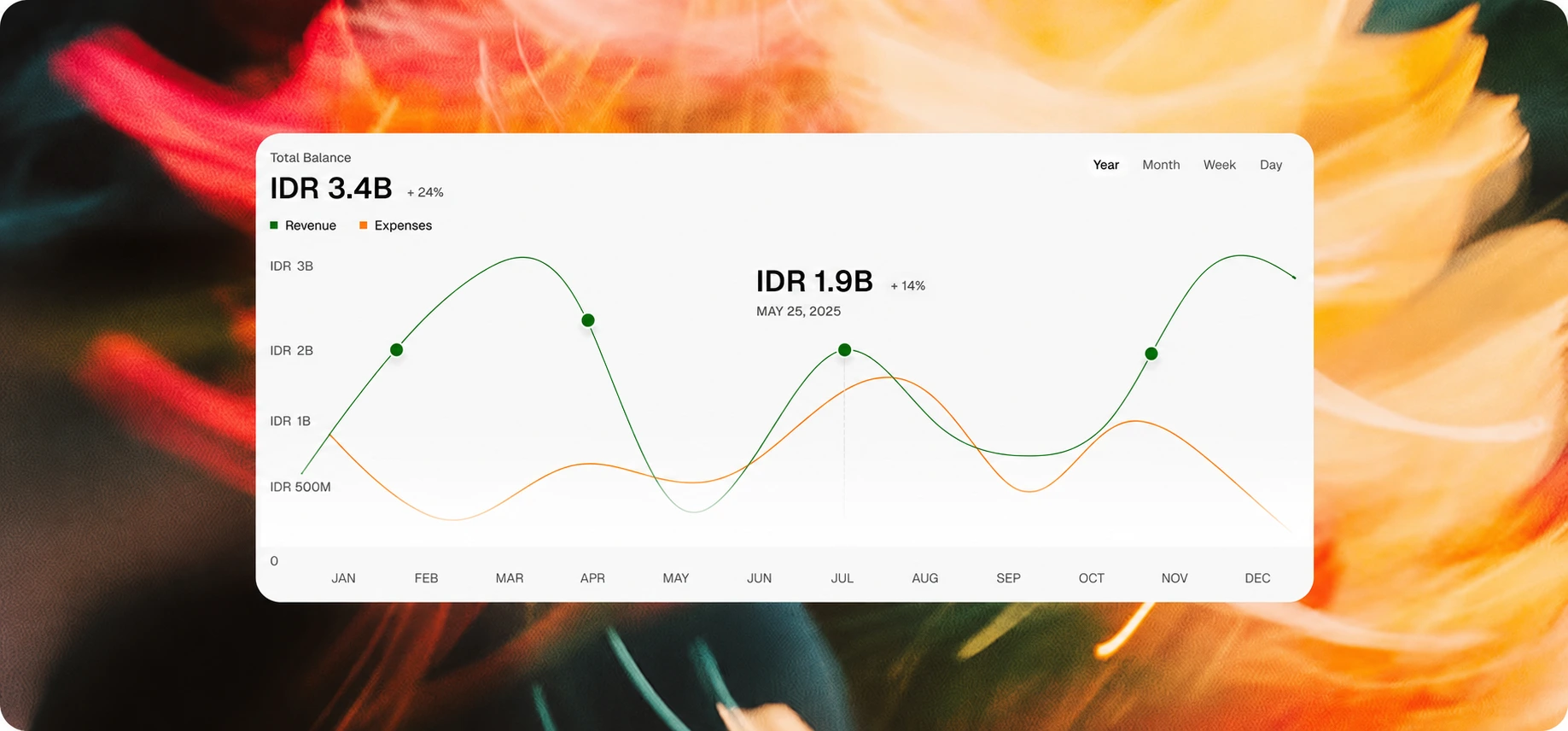
Track revenue, occupancy, ADR, RevPAR and booking trends, all calculated from your property's bookings.
Live revenue, ADR and RevPAR
Room and channel performance
Occupancy and booking trends

Ask your property in plain language
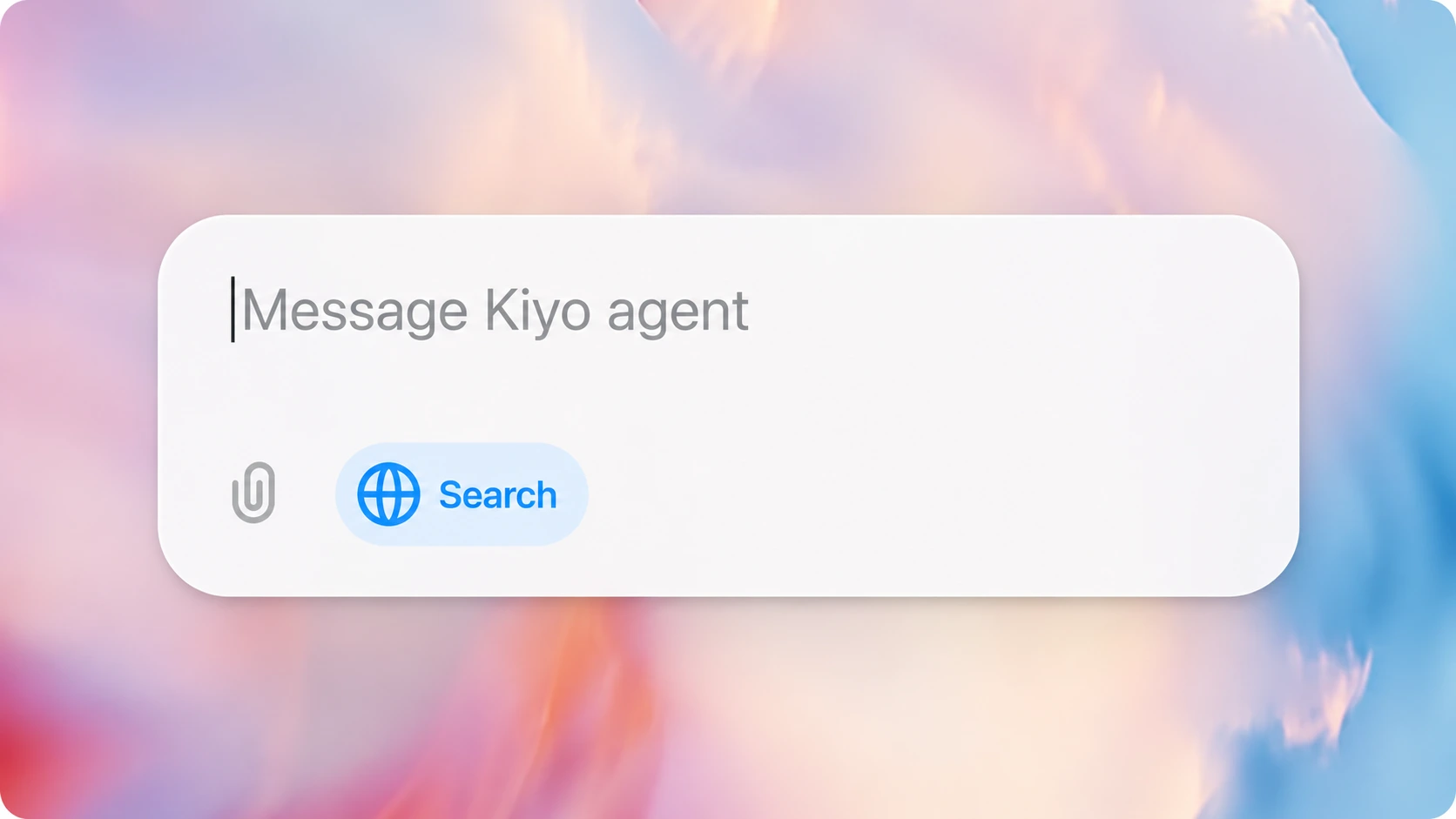
Kiyo AI answers questions using current property data. Review the answer, then use Workspace to assign tasks and keep handovers visible.
Ask about revenue, occupancy and channel mix
Use custom date ranges and comparisons
Move follow-up work into Workspace

Give each teammate the right view
Built-in roles and custom permissions control which dashboard areas each teammate can open. Authorized admins can review selected eligible events in the audit log, whose writer is best effort.
Built-in and custom roles
Granular dashboard permissions
Selected eligible audit events

Property performance
The numbers behind every stay.
ADR
Average daily rate
RevPAR
Revenue per available room
NET
Revenue after channel commission