
Bookings & Distribution

Sell everywhere.
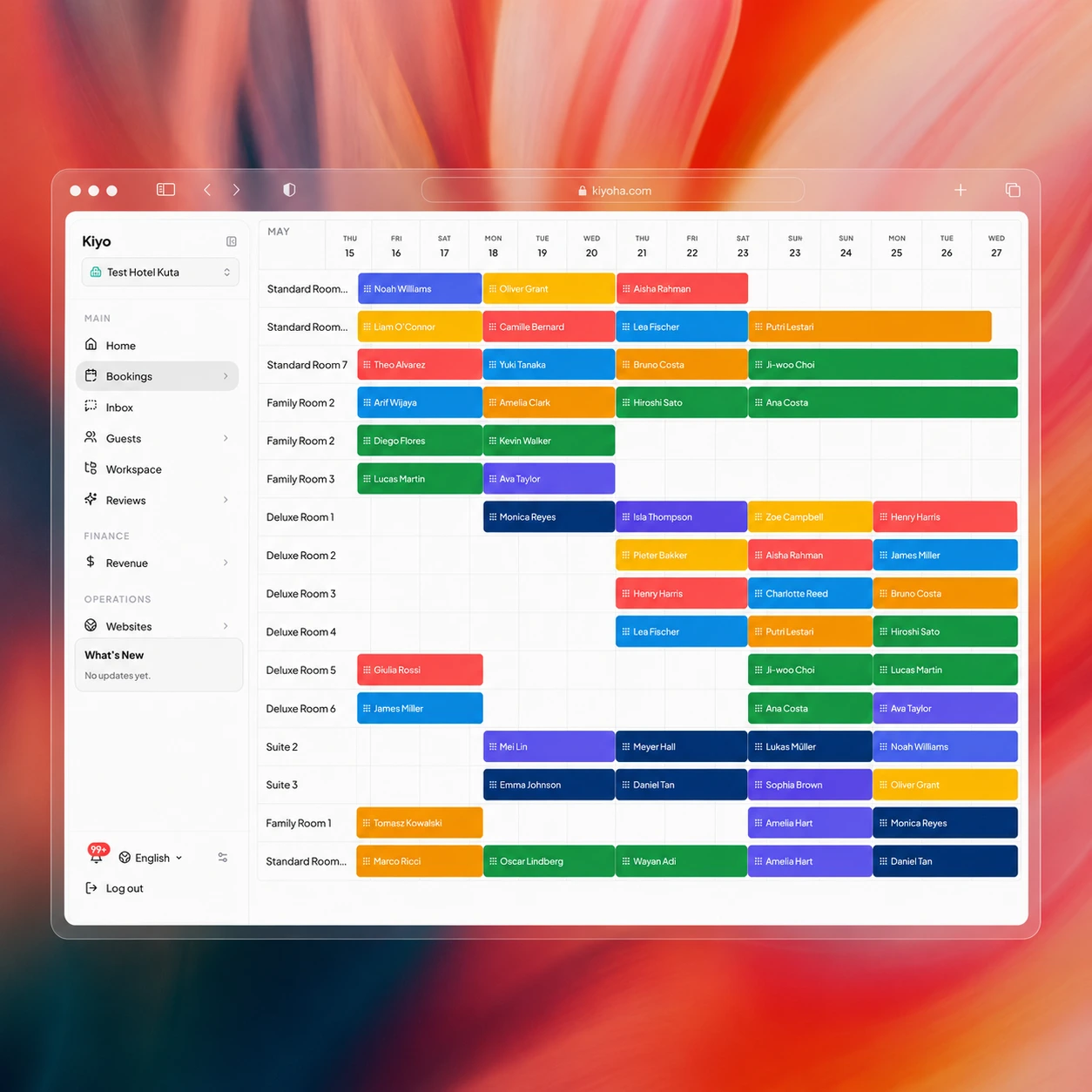
Keep one live calendar.

Connect channels, control inventory, sell direct, and keep every reservation working from the same booking record.
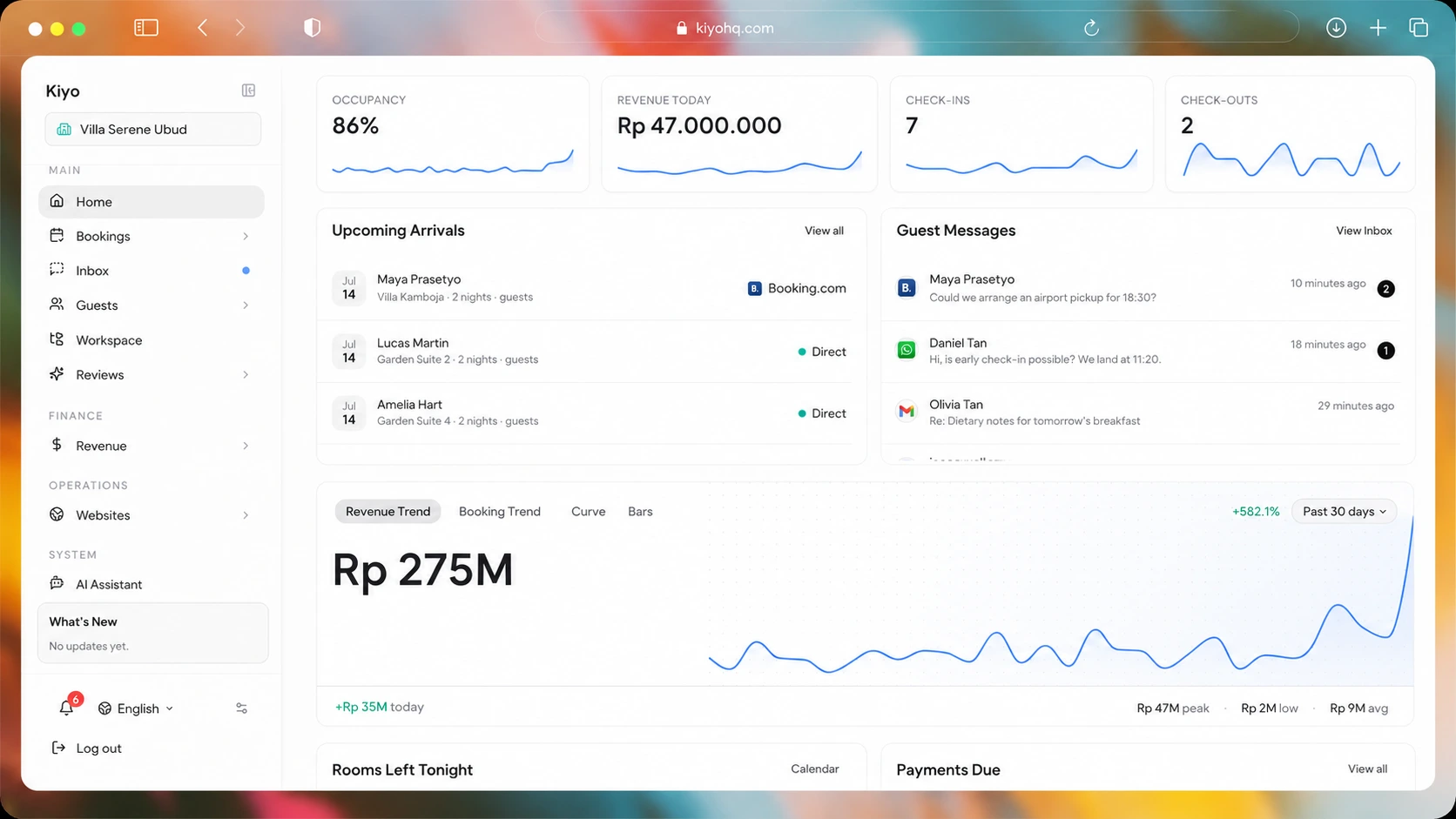
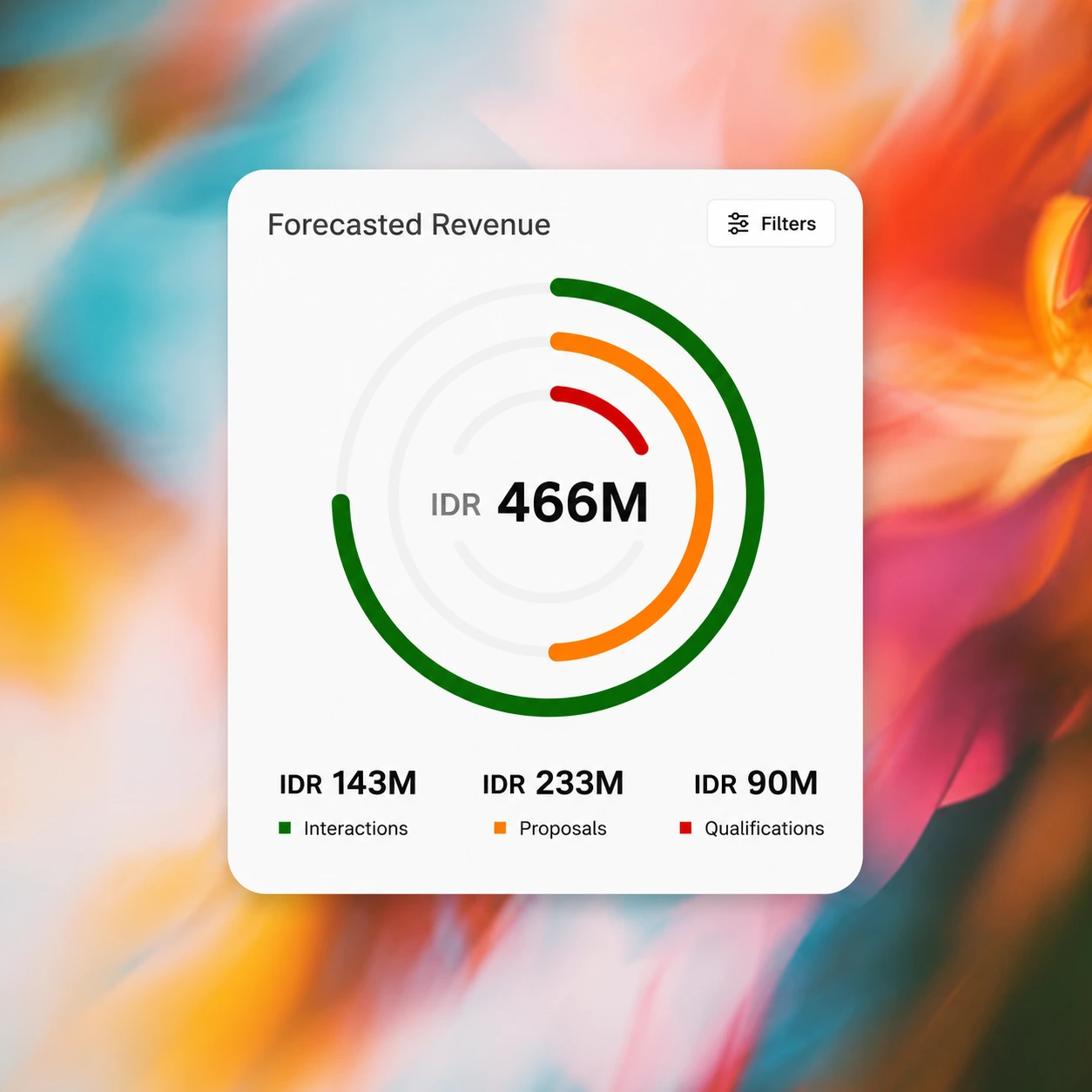
Independent hospitality operator looking toward the Kiyo workspaceKiyo forecast revenue overview for an independent property
Kiyo keeps each connected channel working from the same availability, rate, and reservation record.
Independent hospitality operator using Kiyo Bookings
Kiyo Bookings
Distribution, direct sales and payments
Kiyo channel distribution across connected booking channels
Channel Distribution

Reach connected OTA channels.

Choose the OTA channels that fit your property and map each room and rate plan once. Update availability, rates and stay rules in Kiyo, then receive new reservations on the same booking calendar.
Explore channel manager
Global and regional OTA connections
One room and rate mapping
Reservations return to Kiyo
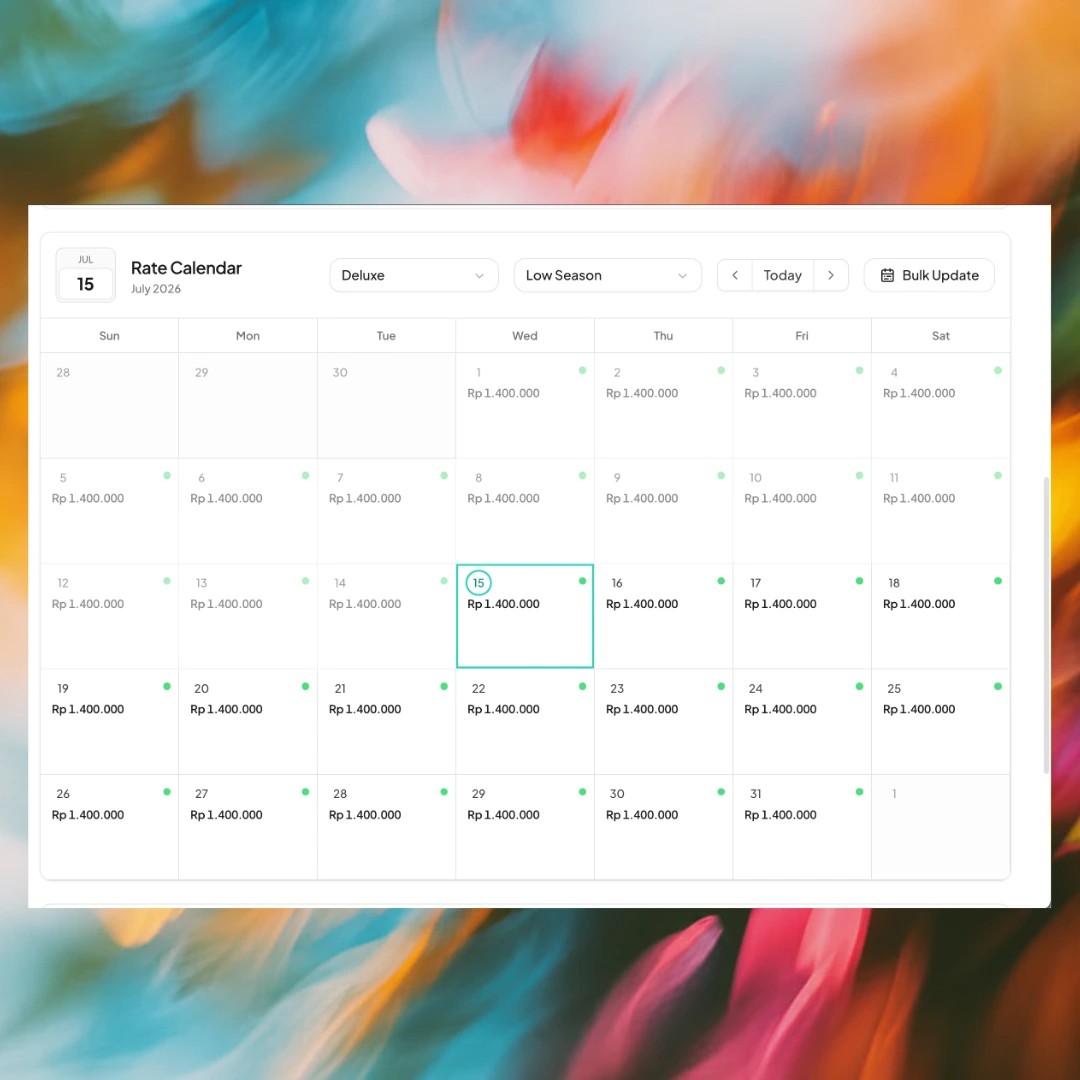
Kiyo booking calendar and rate controls
Calendar & Rates

Update rooms, rates and availability once.

Update room types, rates, restrictions or a closed date in one place. The live calendar shows what can still be sold as direct and connected OTA reservations arrive.
Explore booking calendar
Live rates and availability
Room types and rate plans
Availability synchronization
Kiyo direct booking engine
Direct Booking Engine

Turn direct demand into confirmed bookings.

Use the Kiyo booking page with your current site or publish a Kiyo property website. Guests see live rooms and rates, choose a stay and book without returning to an OTA. The reservation joins direct, desk and OTA bookings on the same calendar.
Explore direct booking
Your branded booking link
Live availability and room selection
Direct guest relationship
Kiyo checkout and booking confirmation flow
Checkout & Confirmations

Move from payment to confirmation.

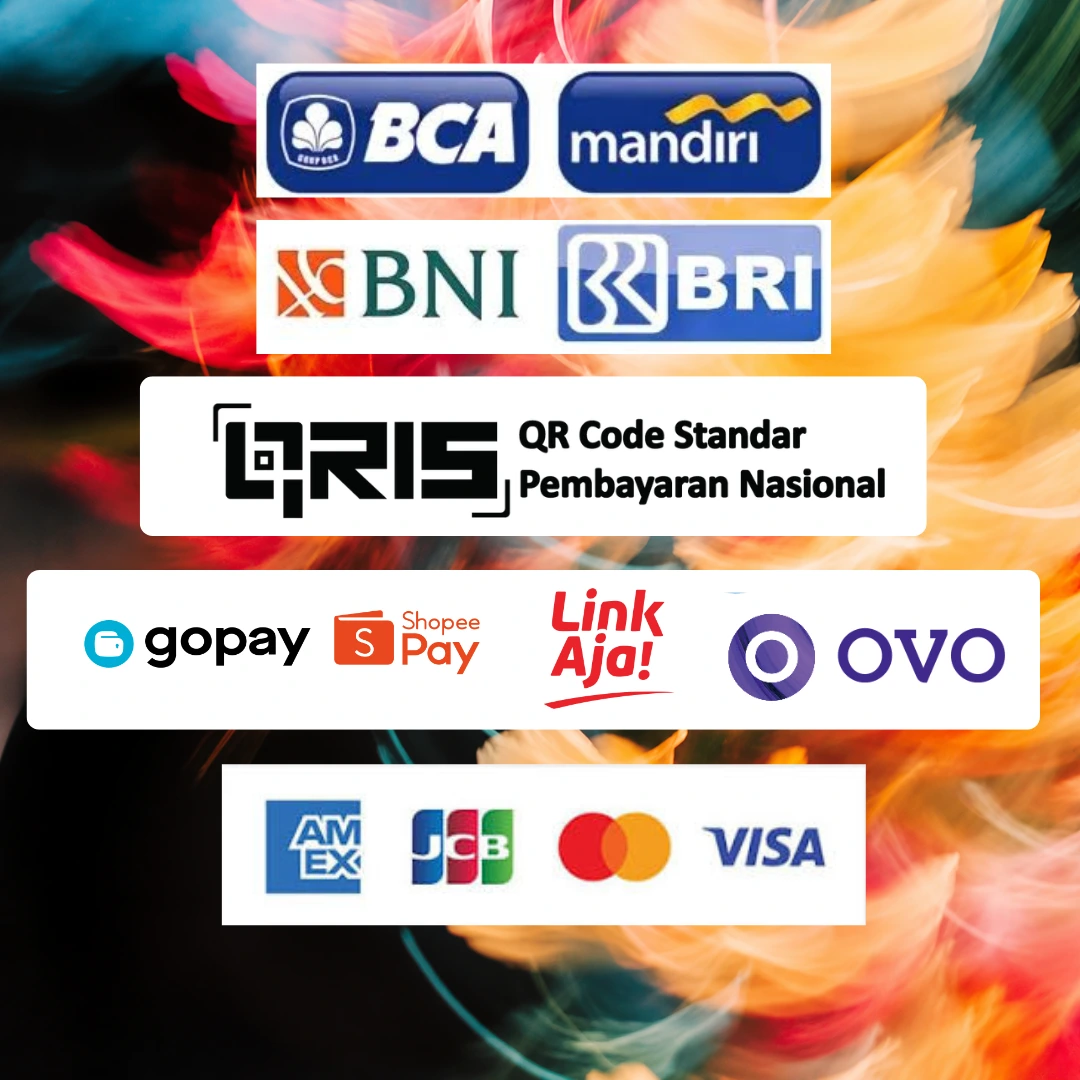
Guests can browse in eight display currencies, while checkout clearly shows the amount charged in IDR. Offer the cards, QRIS, e-wallets or virtual account transfers configured for your property. Kiyo records the result, sends the confirmation email and opens My Page when you offer it.
Explore checkout flow
Eight display currencies, IDR checkout
Configured payment method families
Confirmation email and My Page handoff
How bookings stay connected

One reservation model, from sale to settlement.

Kiyo keeps the commercial journey understandable by separating inventory, reservation, payment and payout states. Each part stays connected, but one status never pretends to prove another.

01

Every booking has a clear source

Direct, desk-entered and connected OTA reservations meet on the same calendar. OTA reservations depend on an active channel connection and correct room and rate mapping; manual and direct bookings must be recorded in Kiyo to affect availability.

  • Direct, manual and connected OTA sources
  • Guest, room, dates and booking status in one record
  • Source and external reference kept visible
02

Inventory moves through explicit controls

Room availability, rates and supported stay rules can be prepared in Kiyo and sent to mapped channels. The team can see what is open, closed or restricted before publishing a change instead of treating every OTA extranet as a separate source of truth.

  • Room and rate-plan mapping
  • Availability, price and supported restrictions
  • Connection status stays visible, with alerts if a connection fails
03

Direct booking follows the same room data

A Kiyo property website or booking link can present available rooms and configured prices, then carry the guest through the connected checkout. Once confirmed, that reservation joins the calendar and can continue into confirmation email and My Page when enabled.

  • Live room discovery and configured pricing
  • Configured payment methods at checkout
  • Confirmation and guest-stay handoff
04

Booking, payment and payout are different facts

A confirmed reservation does not automatically prove that money was collected, and a successful payment does not prove that the payout has settled. Kiyo keeps the related references together so the team can reconcile each state without collapsing them into one green label.

  • Reservation status
  • Payment status and provider reference
  • Payout or settlement status where available
05

Rates and restrictions keep their own logic

A sellable room is not defined by price alone. Rate plans, minimum stays, closed dates and other supported restrictions determine which offer can be booked. Kiyo keeps those controls close to the calendar, while each connected channel still depends on what its mapping and API support.

  • Rate-plan relationships
  • Minimum stay, closure and supported restrictions
  • Channel capability differences remain explicit
06

Exceptions become an operating queue

The reliable daily workflow is to review arrivals and changes, check channel connection alerts, follow pending payments and resolve mismatched records. The goal is not to hide exceptions; it is to put them where the responsible person can see and act on them.

  • Reservation changes and cancellations
  • Channel delivery exceptions
  • Payment and reconciliation follow-up
Booking flow

One booking flow, connected end to end.

Mapped
Connected OTA channel workflow
One
Live calendar for rates and availability
Direct
Booking engine on your branded Kiyo path
BOOKINGS & DISTRIBUTION

One calendar for every place you sell.

Keep availability, rate plans, payment and confirmation with the same direct booking. The team sees the journey from room search to confirmation, while supported changes and cancellations follow the property’s booking rules.
See Kiyo in action
Kiyo property dashboard connecting one calendar to every place a property sells